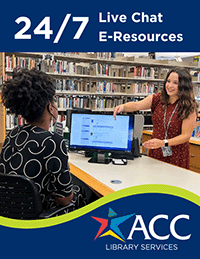
Library help and resources are available 24 hours a day!
Get 24/7 live chat help and all of our eResources wherever you are!
All users no matter what kind of device -- phone, tablet, desktop PC -- should be able to view all pages on the Library Web Site. Just as the ACC Web Site, the pages are designed to be viewed on any size screen. The URL https://library.austincc.edu is the same for all devices.
If you are able to access the internet on your mobile device, type https://austincc.ent.sirsi.net into your mobile device internet browser.
The look of the Library Web Site and the Library Discovery Search (Catalog) will vary depending upon your device. All information is there but may be arranged differently depending upon the size of your screen.
The sites support any mobile device which provides access to the internet through a browser (like Safari or Chrome).
You can do almost anything on your phone or mobile device that you can using a desktop computer -- Find information .. Search for Articles, etc.
Library Web Site is designed to be accessible by all and is compliant with the U.S. government's Section 508 standards for web site accessibility. This compliance is essential for library patrons with disabilities because it makes sites more accessible with screen reading software.